
Learn to use Summit Spend
Watch quick video guides for your role and get your company connecting cards, capturing receipts, coding and exporting with confidence.
I use Summit Spend as
I want to learn about
Learn with video guides
Short walkthroughs of the real product you can watch any time.
 3 min
Video · 3 min
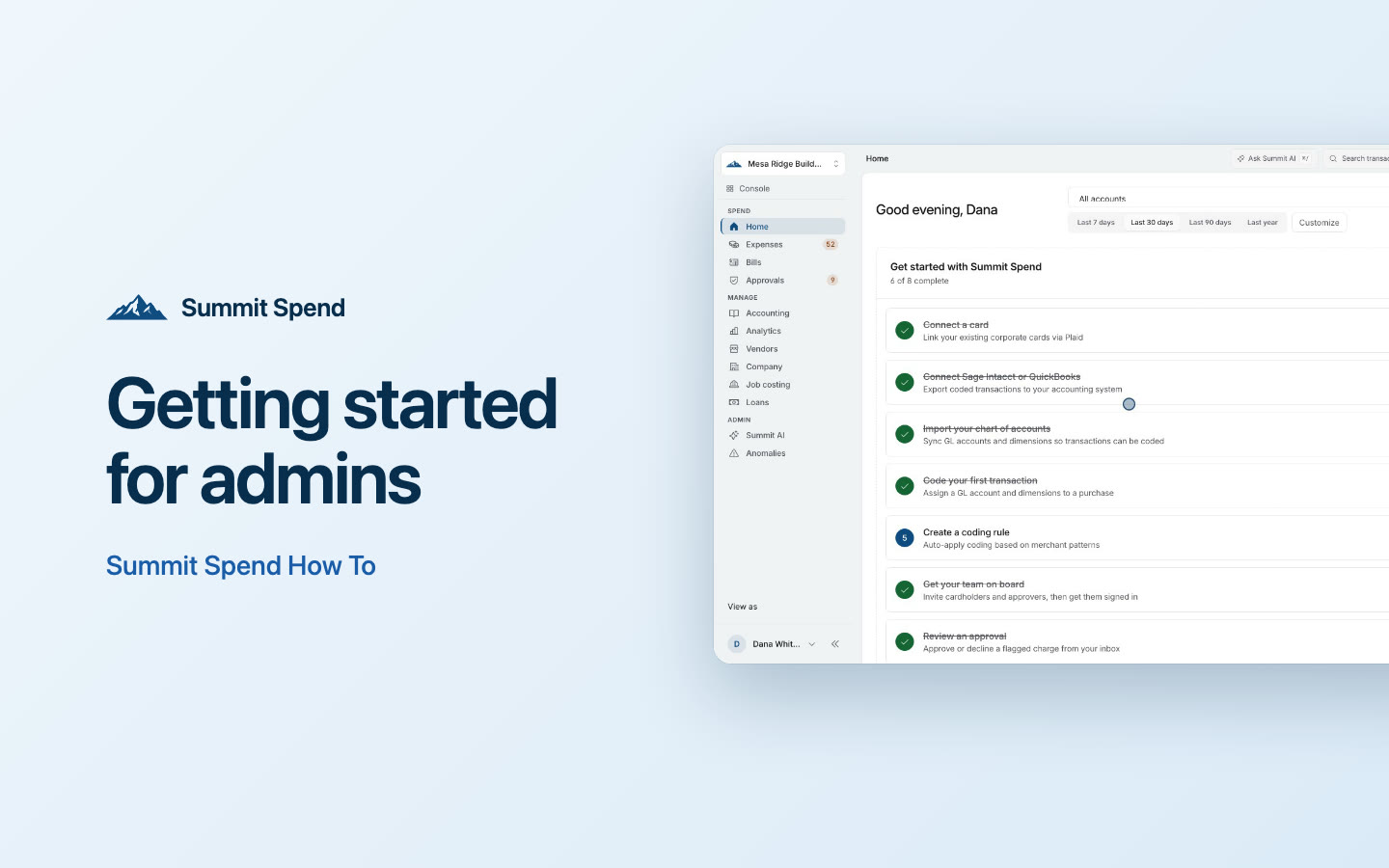
Getting started for admins
Set Summit Spend up in the right order: accounting first, then cards, people, policy and approvals, then a first test export.
Get startedAdmin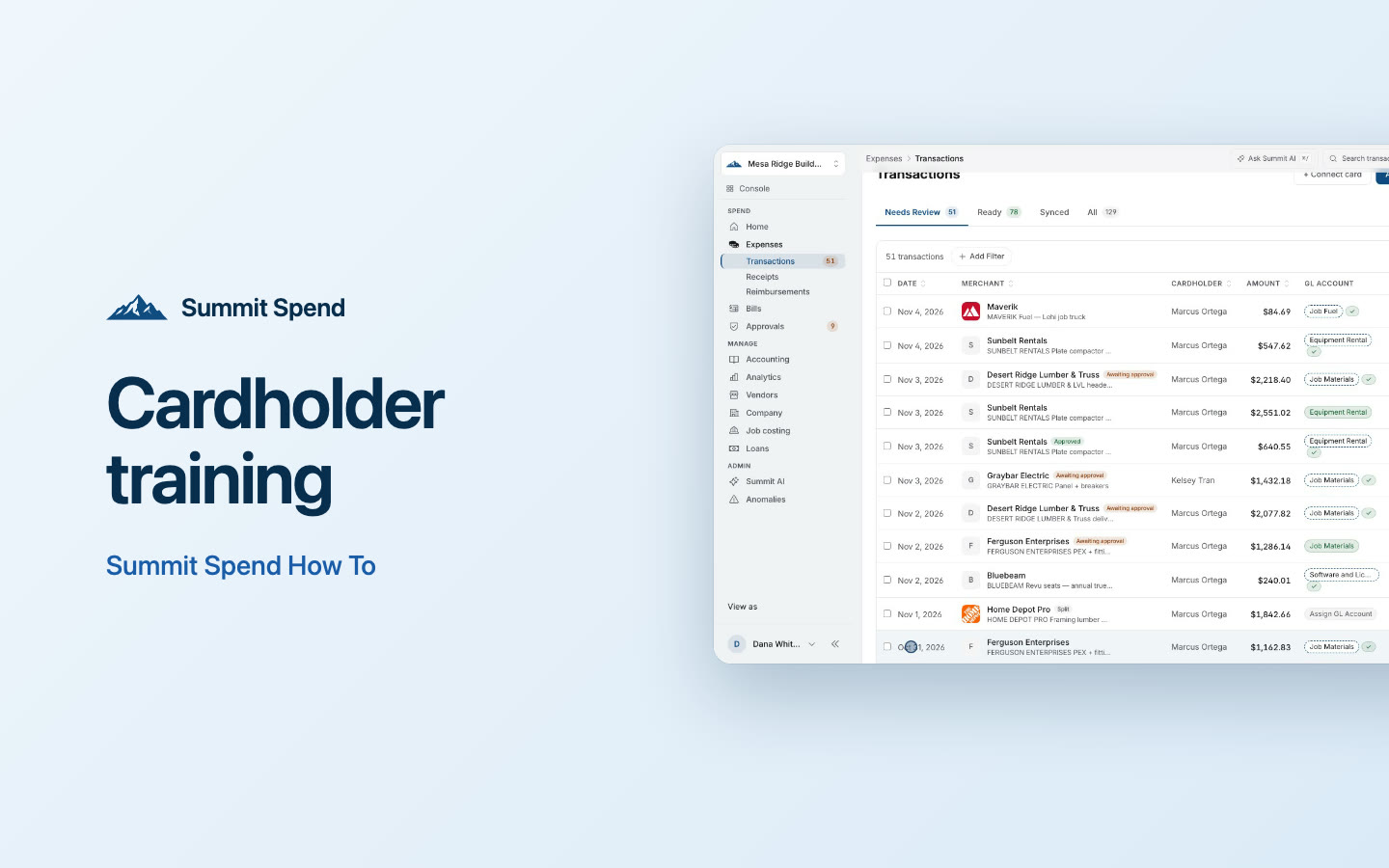 2 min
Video · 2 min
Cardholder training
The two things Summit needs for every charge on your card, a receipt and a memo, and the fastest ways to give them.
Get startedCardholder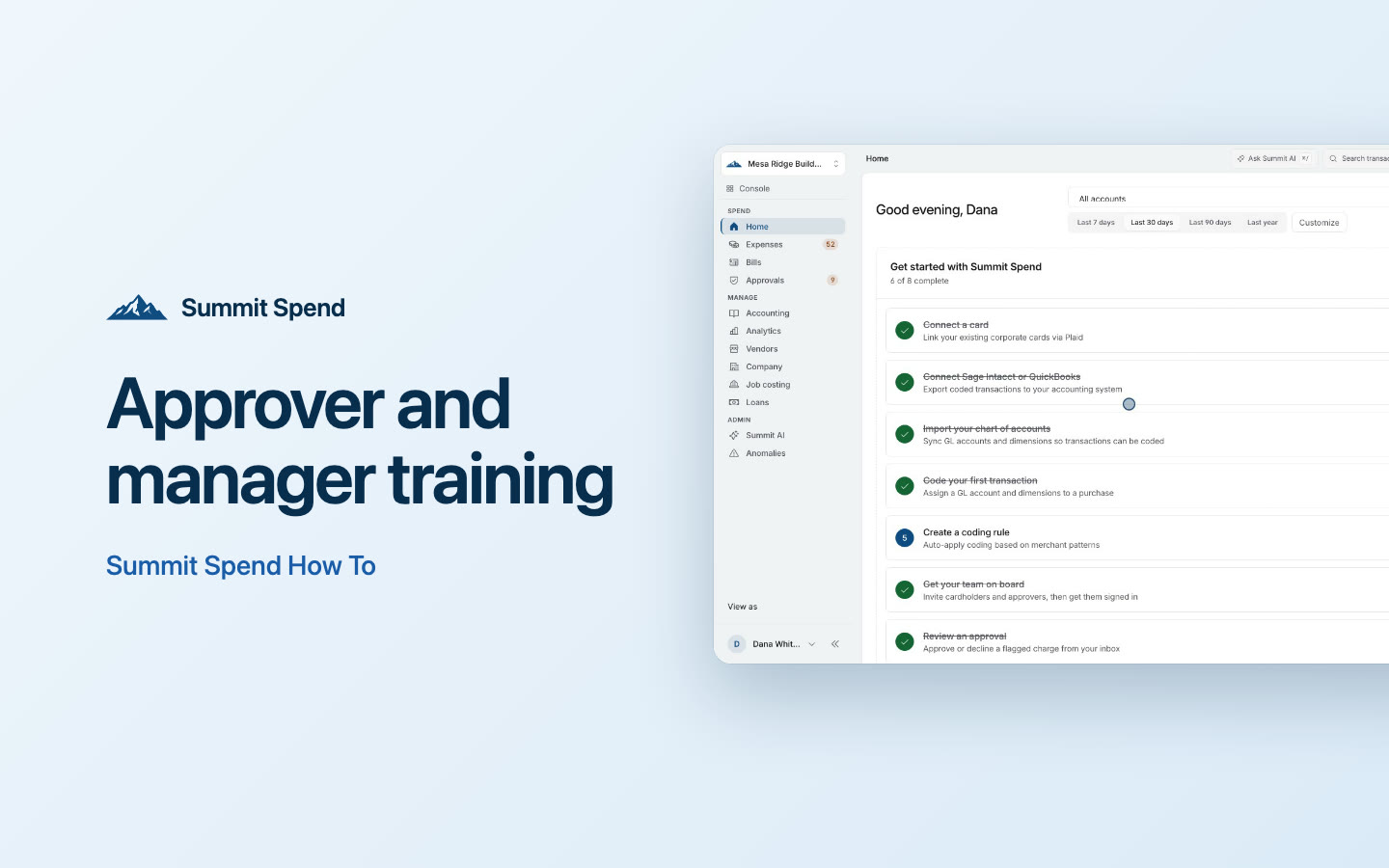 2 min
Video · 2 min
Approver and manager training
Work through your Approvals queue on the web or your phone: approve, reject with a reason, handle flagged spend and nudge cardholders.
Get startedApprover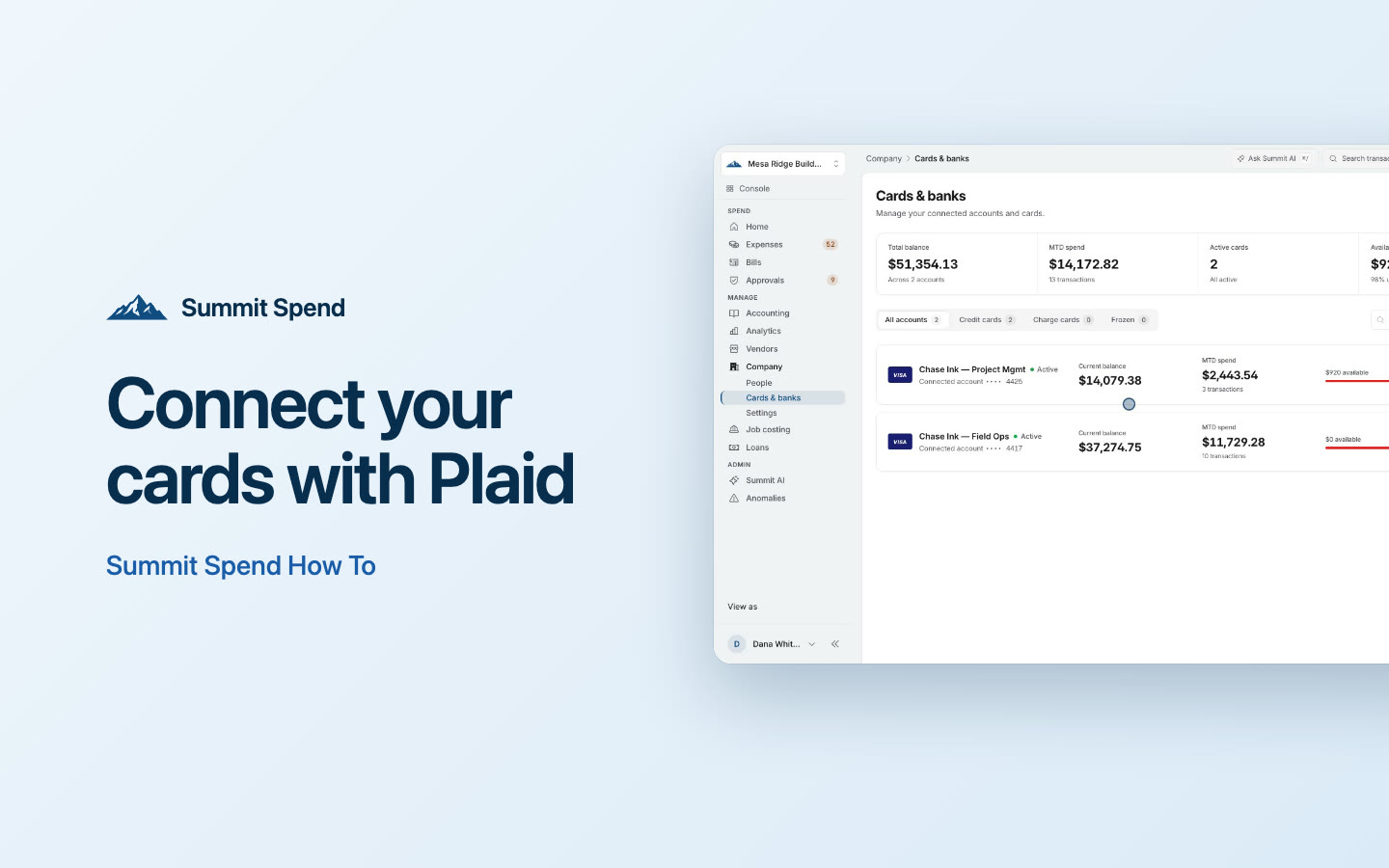 2 min
Video · 2 min
Connect your cards with Plaid
Bring the company cards you already have into Summit, assign each one to its cardholder, and keep the bank feed healthy.
Get startedAdmin 2 min
Video · 2 min
Receipts on the go
Use the Summit Spend app for iPhone and Android to capture a receipt the moment you buy something, and see what still needs the web.
Get startedCardholderApprover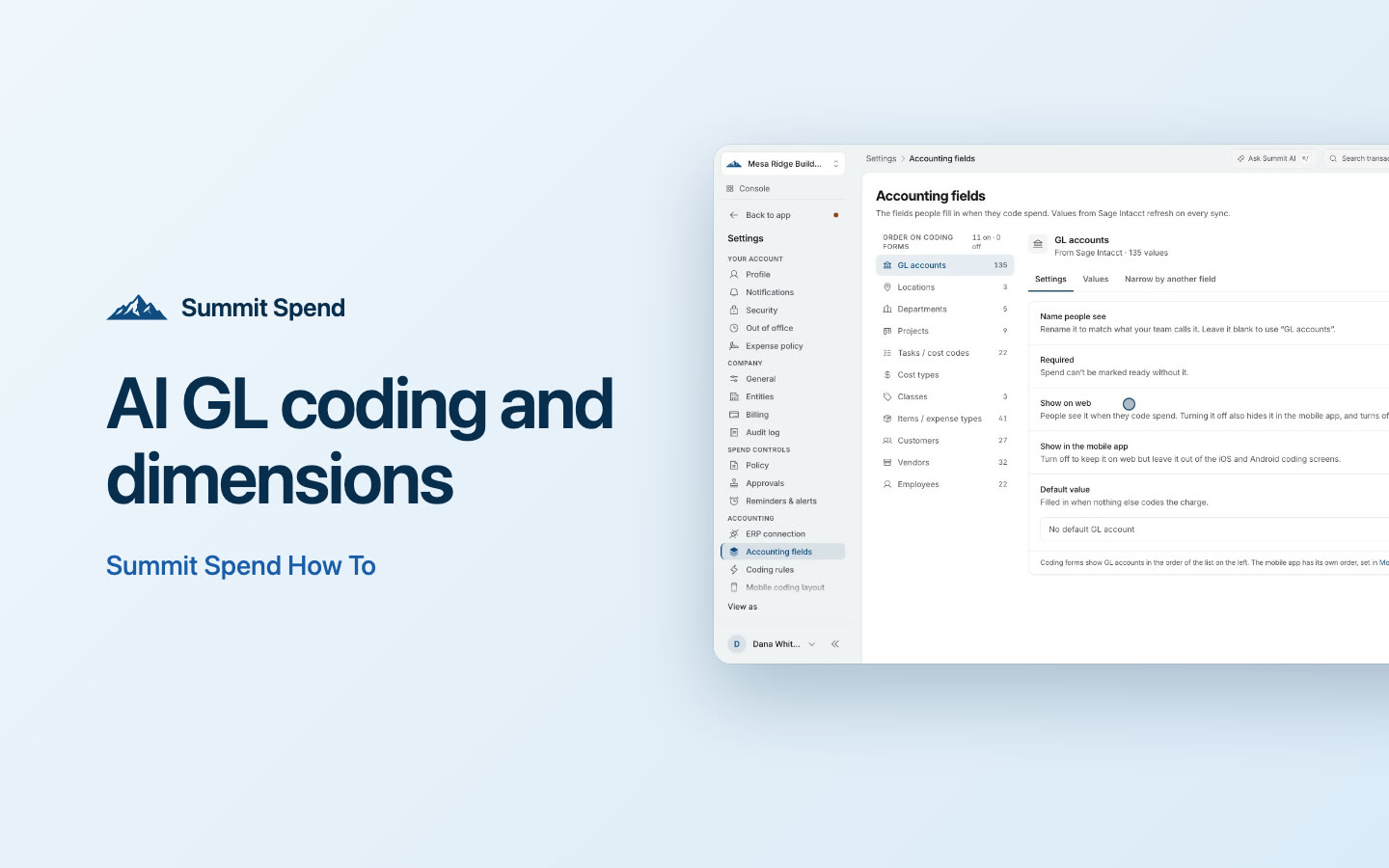 3 min
Video · 3 min
AI GL coding and dimensions
Choose your coding fields, use Summit's suggested GL accounts and dimensions, code in bulk, split charges and get spend to Ready.
Go deeperAccountingAdmin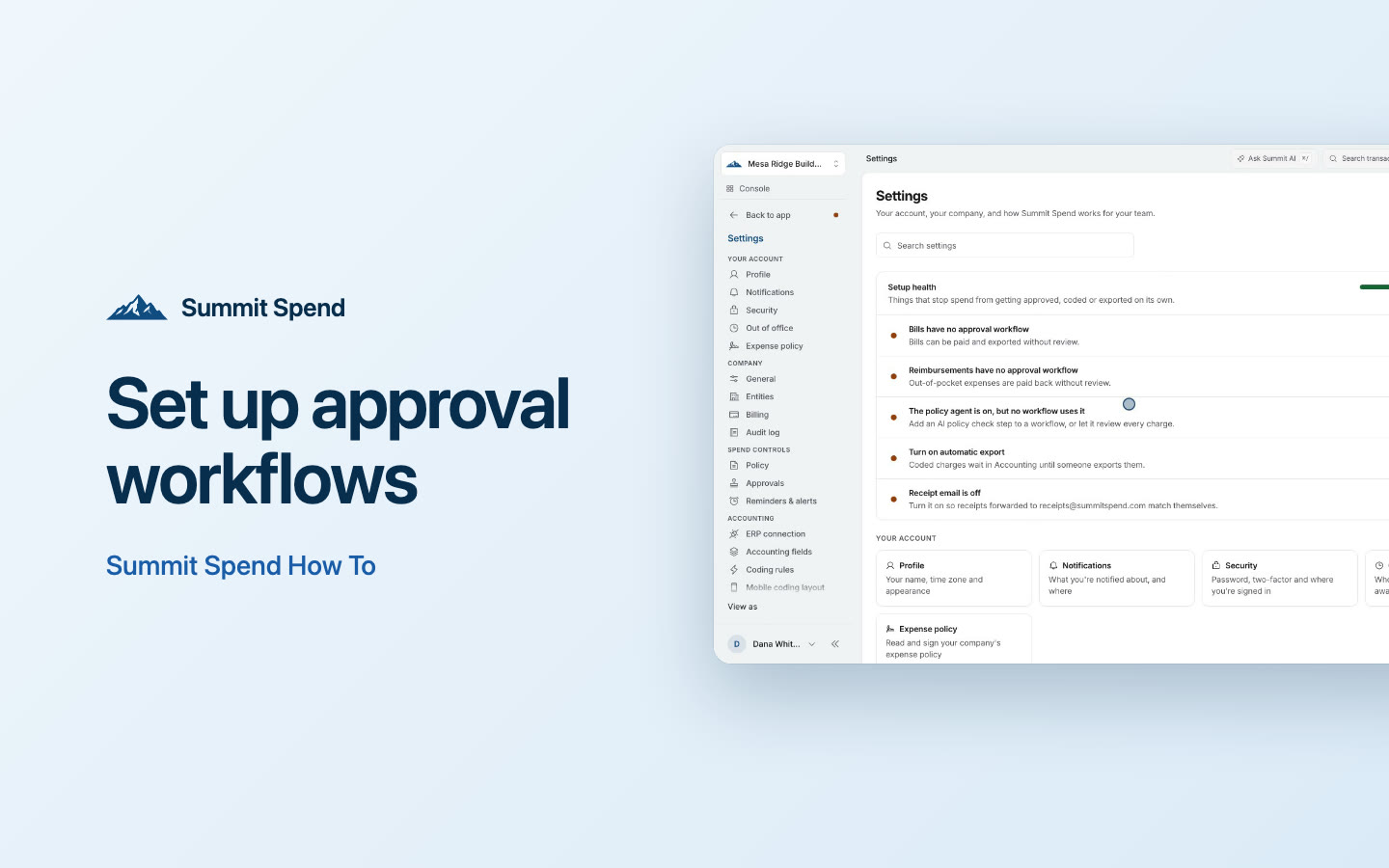 3 min
Video · 3 min
Set up approval workflows
Decide who approves what: build workflows by amount, GL account, department or card, add backups for people who are away, and test your routing.
Go deeperAdmin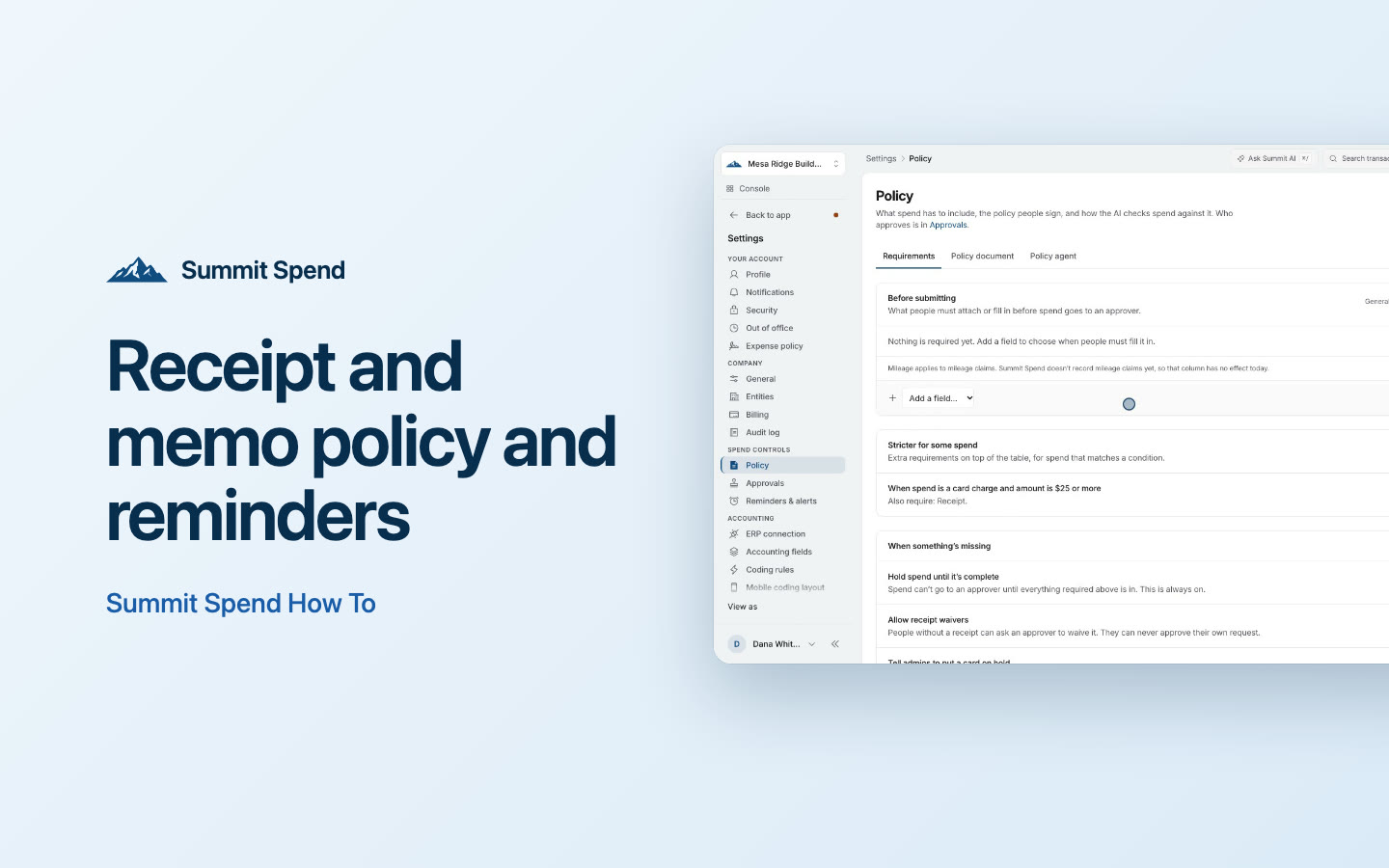 2 min
Video · 2 min
Receipt and memo policy and reminders
Decide what every charge needs, allow receipt waivers, turn on emailed receipts and let reminders do the chasing.
Go deeperAdmin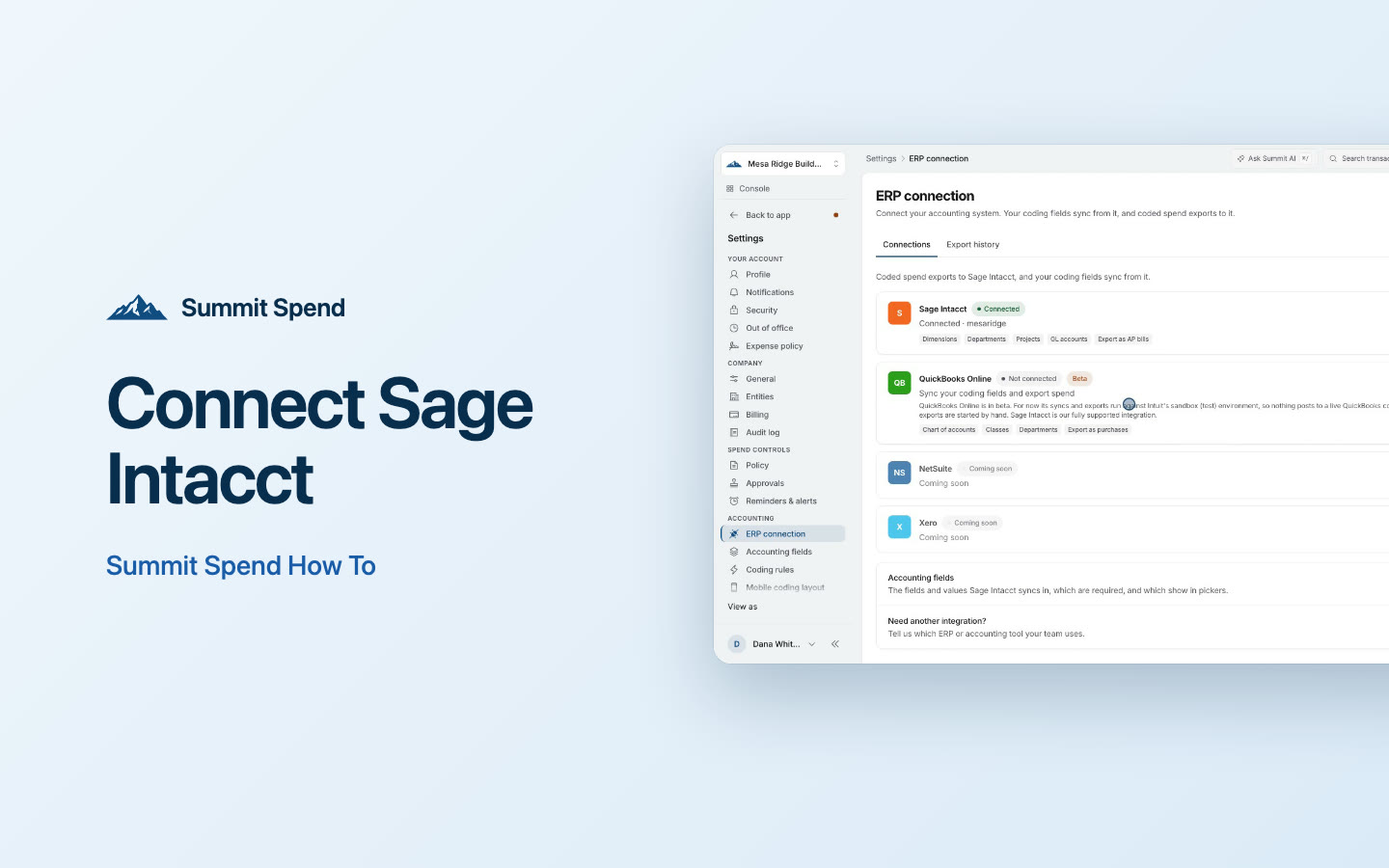 3 min
Video · 3 min
Connect Sage Intacct
Prepare Sage Intacct, connect it to Summit, sync your GL accounts and dimensions, map charge cards and send your first export.
Get startedAccountingAdmin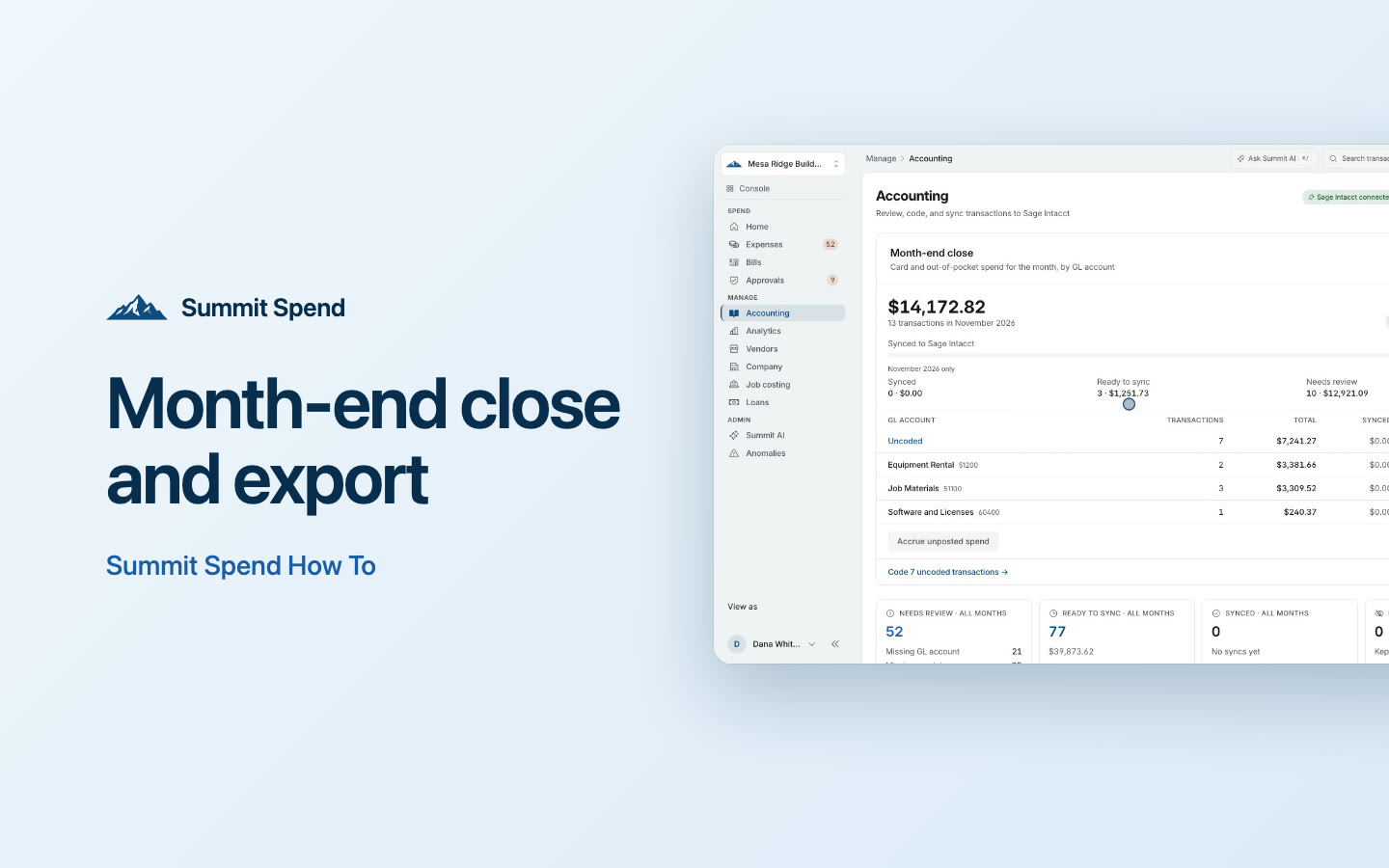 2 min
Video · 2 min
Month-end close and export
Use the Month-end close card to get every charge for the month coded, approved and synced, check totals by GL account, and close the month.
Go deeperAccounting